Games
Reviewed 2026-05-27: This article is written around one mobile task. It avoids account shortcuts, private-data requests, and exaggerated reward language.
Choose by understanding, not noise
Game screens are designed to look active, but the best first choice is the game you understand. Read the rules, check button labels, and notice whether the pace fits your attention.
Do not choose a game only because someone shared a winning screenshot. That tells you nothing about rules, limits, or whether the game suits your phone.
Mobile controls and accidental taps
Small screens make careful controls important. Notifications, sweaty fingers, screen protectors, and lag can all affect taps. Before a session, clean the screen, close distractions, and keep the phone on a stable connection.
If a button does not respond, wait before tapping again. Repeated taps during lag can create confusion.
- Read the rule screen.
- Open one game at a time.
- Keep notifications from covering controls.
- Stop when you reach the limit you set.
Game categories need different habits
Fast games require short attention windows. Card-style games require understanding labels and outcomes. Reward-driven sections require reading terms. Treat each category differently instead of using one habit everywhere.
A responsible games hub should help users choose and stop, not only push them toward more play.
How to evaluate a new game
After opening a new game, spend the first moments observing layout and labels. If you cannot understand the rule or stopping point, leave and read more before continuing. Clear understanding is part of safer play.
Visual guide
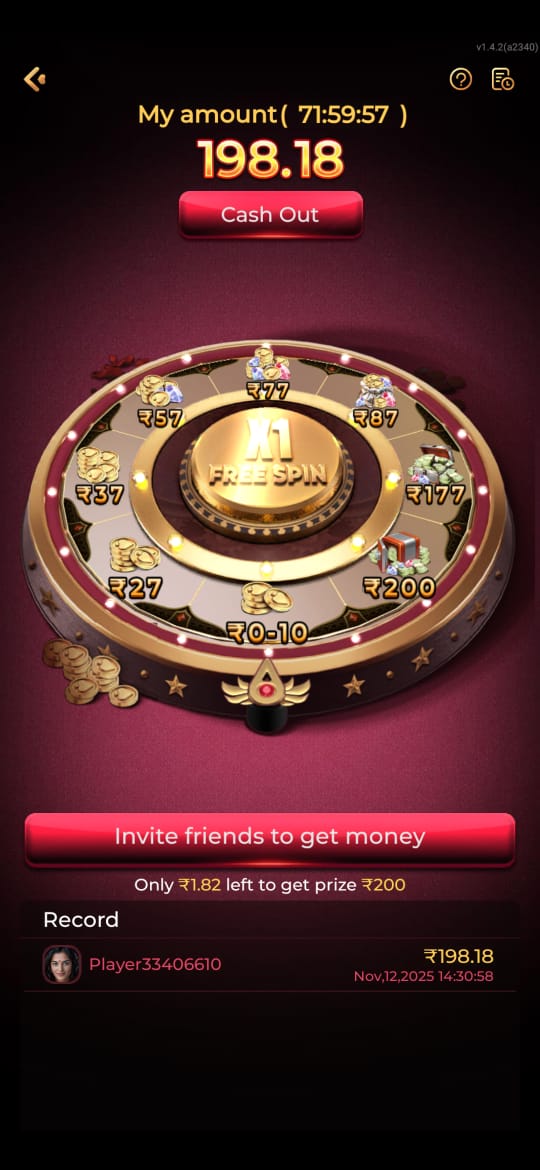
Best Games Available on IE777 and How to Choose Carefully visual reference
These screenshots are included for orientation only. Always follow the current app prompts and account instructions shown on your device.
Where to go next
Use the Android file and permission guide for APK questions, the account access page for OTP or password issues, the new account setup guide for registration, and the games hub when your question is about rules, categories, or mobile play.