Last updated 2026-05-27
IE777 Register Guide for New Account Setup
This page is for first-time account setup: profile details, mobile verification, password choices, and what to check before the first login.

Before signup
Prepare account details before opening the form
Registration works best when you are not rushing. Keep your mobile phone nearby, choose a unique password, and read any eligibility or terms shown on the registration screen. Do not use another person’s mobile number because OTP access and recovery may depend on it later.
New users often focus only on getting inside the app. A better first step is to make the account recoverable and private from the beginning.
- Use your own active mobile number.
- Choose a password you do not use elsewhere.
- Read terms shown during signup.
- Keep screenshots private if they include personal details.
Verification
Mobile verification is part of account security
OTP verification confirms that the person registering can access the phone number. It should not be shared with friends, agents, or public groups. If the code expires, request a new one through the form rather than asking anyone else to complete it.
If the OTP does not arrive, check network signal, SMS blocking, and whether the number was typed correctly. Do not create multiple accounts simply because one code was delayed.
First login
What to review after creating the account
After registration, log in once and review the app layout before playing. Find account settings, support, wallet or dashboard labels, and any responsible gaming information available inside the app.
This first review helps you avoid later confusion about where to update details or how to ask for help. It also makes the games area feel less crowded when you return to play.
Account hygiene
Keep the new account clean from day one
Do not share the account with others, do not post wallet screenshots publicly, and do not save passwords on shared phones. These small habits matter more than any claim about security.
If you lose access, use official recovery. Creating another account or asking strangers for shortcuts can make the situation worse.
Visual guide
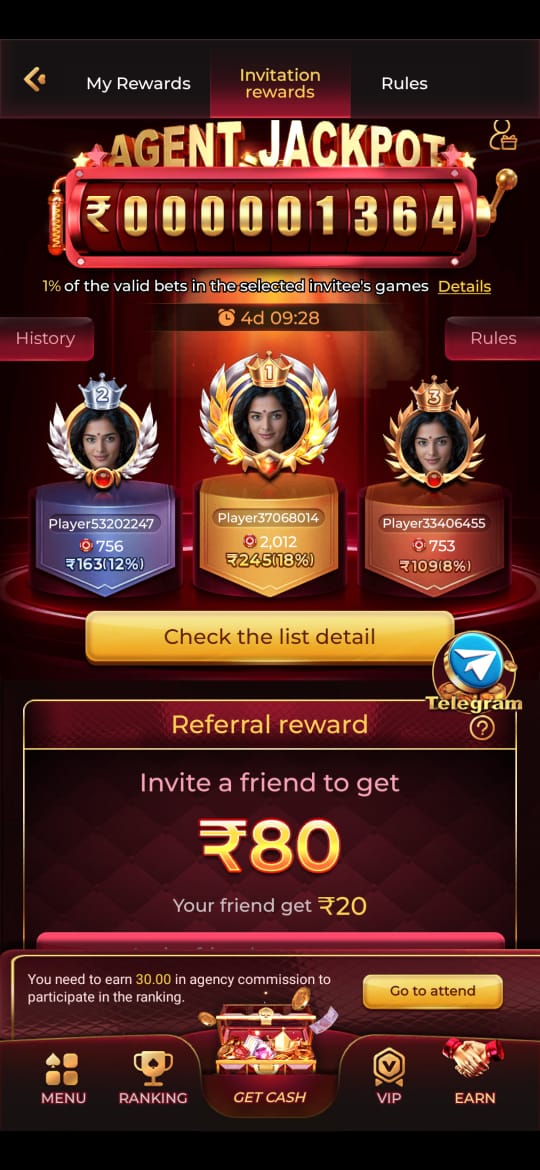
IE777 Register Guide for New Account Setup Screenshots
These screenshots are included for orientation only. Always follow the current app prompts and account instructions shown on your device.

Related help
Useful next steps
Focused answers
Questions this page answers
What details should I check before registering?
Check mobile number accuracy, password spelling, eligibility notes, and any terms shown during signup.
Can I register with someone else’s phone?
Avoid it. Account recovery and OTP access should stay with the person who owns the account.
What should I do after registration?
Log in once, review account details, learn where support is located, and read the safety guidance before playing.
Should I reuse an old password?
No. Use a unique password that is not shared with email, banking, or other gaming accounts.