Last updated 2026-05-27
IE777 Game Download and Gameplay Access Guide
This guide is about reaching and loading games after setup. It avoids APK installation details except where they affect game access.
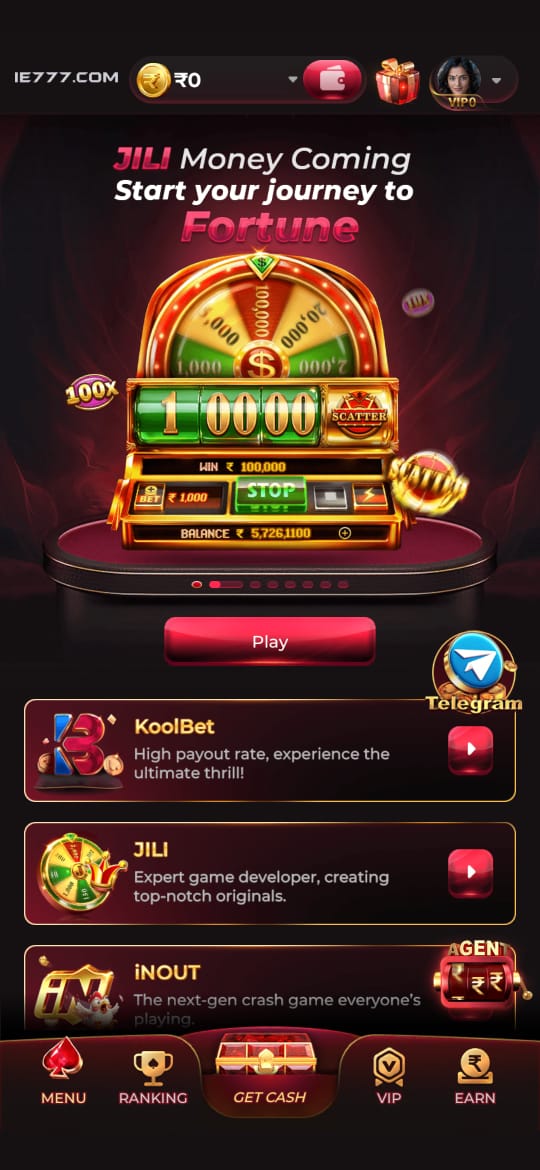
Access paths
Separate app setup from game loading
People often use “game download” when they actually mean three different things: installing the app, opening a game inside the app, or waiting for game assets to load. This page focuses on the second and third parts.
If your question is about Android installation, use the APK guide. If the app opens but a game does not load, stay here and work through device performance, cache, and network checks.
- Open the app or available web access.
- Confirm login status before entering a game area.
- Choose one game and wait for the first load to finish.
- Avoid switching network connections while the game opens.
Browser vs app
What changes between browser and app gameplay
Browser access can be convenient for quick checks, while app access may keep navigation and game areas more consistent. The right option depends on your device, network, and account flow. Do not assume a problem in one path means the other path is broken too.
If browser gameplay is available and the app is slow, try clearing browser cache or using a stable connection. If app gameplay is preferred, keep the app updated and avoid running with almost full storage.
Performance
Reduce loading problems before blaming the game
Games can feel stuck when your phone is low on memory, battery saver is restricting performance, or a network handoff interrupts the first load. These issues are especially common on crowded mobile networks.
A practical test is simple: restart the app, open only one game, keep the phone on the same network, and wait for the loading screen to finish. If the same game fails repeatedly while other pages work, then support may need the exact game name and time of issue.
- Close background apps.
- Keep at least some storage free.
- Disable aggressive battery saver during play.
- Use support with specific game names, not vague “not working” messages.
Session habits
Play with clearer limits and fewer mistakes
Before opening a game, decide how long you plan to play and what limit you will follow. This is not just a responsible gaming note; it also prevents rushed taps, repeated reloads, and confusion around rewards or wallet labels.
If the game screen freezes during an account or wallet action, wait before tapping again. Repeated taps during lag can create uncertainty about what action actually registered.
Visual guide
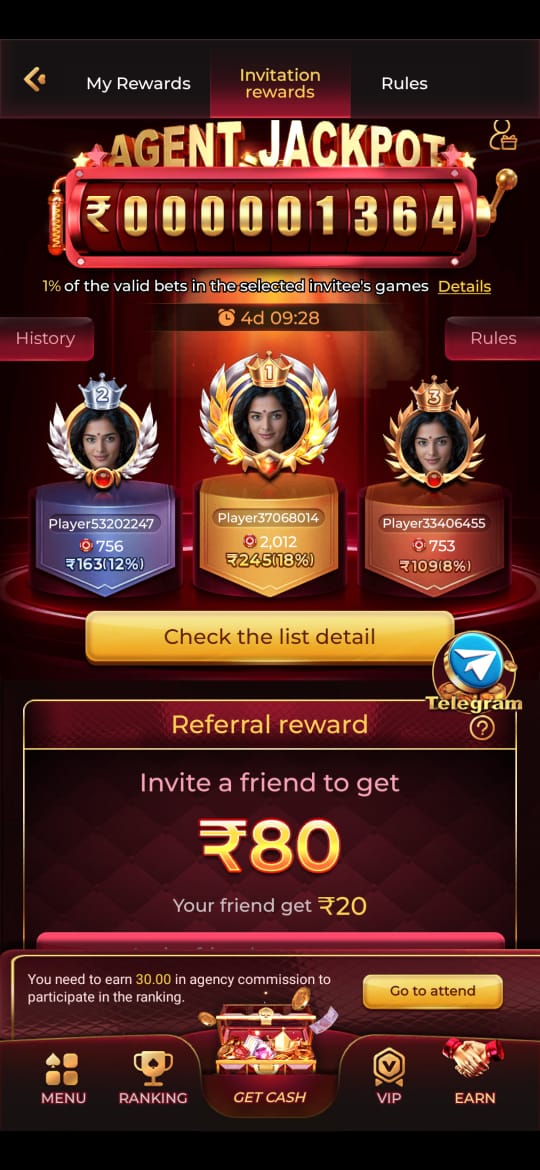
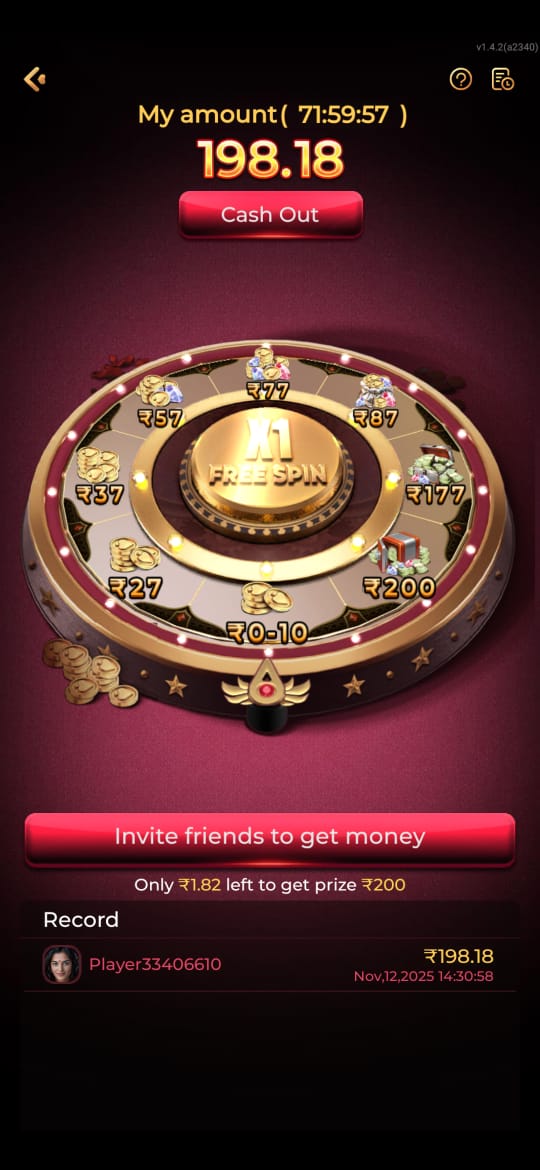
IE777 Game Download and Gameplay Access Guide Screenshots
These screenshots are included for orientation only. Always follow the current app prompts and account instructions shown on your device.
Related help
Useful next steps
Focused answers
Questions this page answers
Is game download the same as APK download?
No. APK download is about installing the Android app; game download is about accessing and loading games after setup.
Why do games load slowly?
Common causes include weak network, low storage, battery saver limits, old app cache, or switching connections during loading.
Can IE777 games be accessed in a browser?
Some users may use web access if available, but app and browser behavior can differ depending on device and account status.
What should I do before opening a game?
Check your connection, close heavy apps, confirm account access, and read game labels before starting.