Account Help
Reviewed 2026-05-27: This article is written around one mobile task. It avoids account shortcuts, private-data requests, and exaggerated reward language.
Match the symptom to the fix
Not every login problem needs the same response. OTP delay is different from wrong password, and a blank form is different from account recovery. Fixing the wrong problem wastes time and can create new issues.
Start by naming the symptom: no OTP, wrong password, page reload, app freeze, or account message.
OTP and password cases
If OTP is late, wait and check mobile signal. If password is wrong, type it once manually and check keyboard settings. If both fail, use recovery rather than guessing.
Never send OTPs or passwords to someone who says they can fix the account faster.
- Identify the symptom.
- Try one careful attempt.
- Use recovery if private credentials are wrong.
- Document only non-sensitive error details.
Cache and stale sessions
A stale browser or app session can cause looping login screens. One cache clear may help, but repeated clearing is not a strategy. If the same error returns, there may be a server, account, or network issue.
If using a browser, avoid private tabs that delete session details mid-flow. If using the app, avoid switching networks while logging in.
Support-ready troubleshooting
A good support message is short and specific: what device, what time, what page, what error. It does not include screenshots with private identifiers unless carefully cropped.
Visual guide
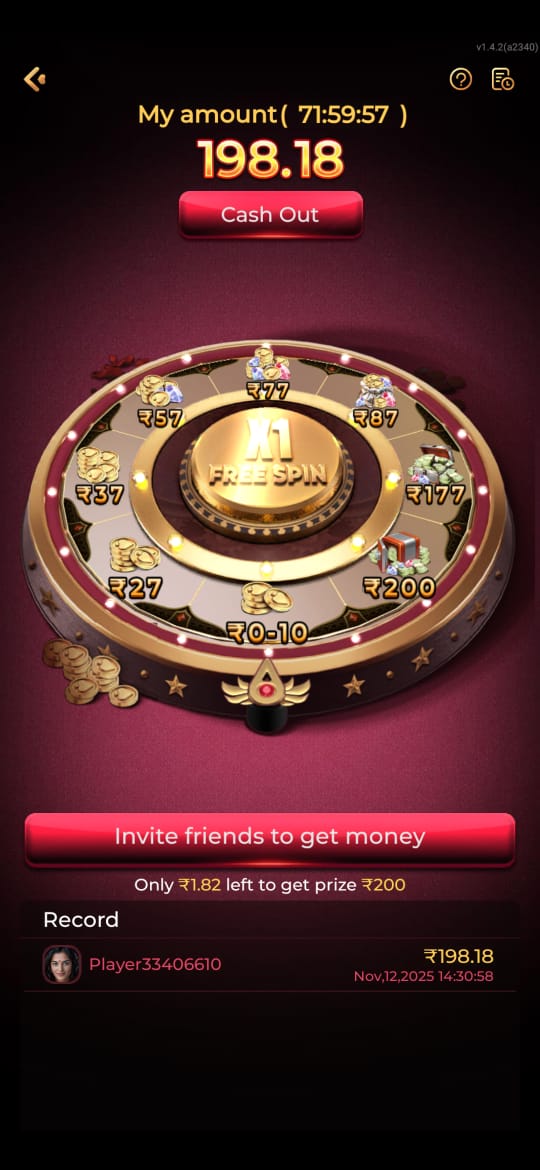
Common IE777 Login Problems and Practical Fixes visual reference
These screenshots are included for orientation only. Always follow the current app prompts and account instructions shown on your device.
Where to go next
Use the Android file and permission guide for APK questions, the account access page for OTP or password issues, the new account setup guide for registration, and the games hub when your question is about rules, categories, or mobile play.