APK Guides
Reviewed 2026-05-27: This article is written around one mobile task. It avoids account shortcuts, private-data requests, and exaggerated reward language.
Start with the source, not the button
The safest APK process begins before the download starts. Look at the page you are using, the file name, and whether the instructions ask for anything unrelated. A download page should not require your password, OTP, or payment details just to provide an Android file.
If you are comparing several links, choose the one that gives the clearest installation information. Avoid pages that push extra apps, shortened links with no context, or files shared in public groups.
Android settings that matter
Android blocks outside APKs by default for a reason. If you temporarily allow your browser or file manager to install the IE777 APK, treat that permission as a one-time setup step and switch it off afterward.
Different Android brands use different labels. Samsung, Xiaomi, Vivo, Oppo, and OnePlus may place the option in slightly different settings menus, but the principle is the same: only the app you choose should receive temporary install permission.
- Open Android settings before downloading.
- Allow install permission only for the browser or file manager you are using.
- Install the APK after the download completes.
- Return to settings and disable that permission.
Failed install examples
If Android says the package cannot be parsed, the file may be incomplete, incompatible, or damaged. Downloading again on a stable connection is safer than trying random versions.
If installation is blocked by Play Protect or a security warning, read the warning. Do not bypass security prompts automatically. A warning is a reason to verify the file, not a small obstacle to ignore.
After the first launch
The first app launch should be calm. Check that screens render normally, do not rush into account entry, and avoid granting unrelated permissions. If the app opens but login fails, move to login troubleshooting instead of reinstalling repeatedly.
Visual guide
How to Download IE777 APK on Android Without Rushing visual reference
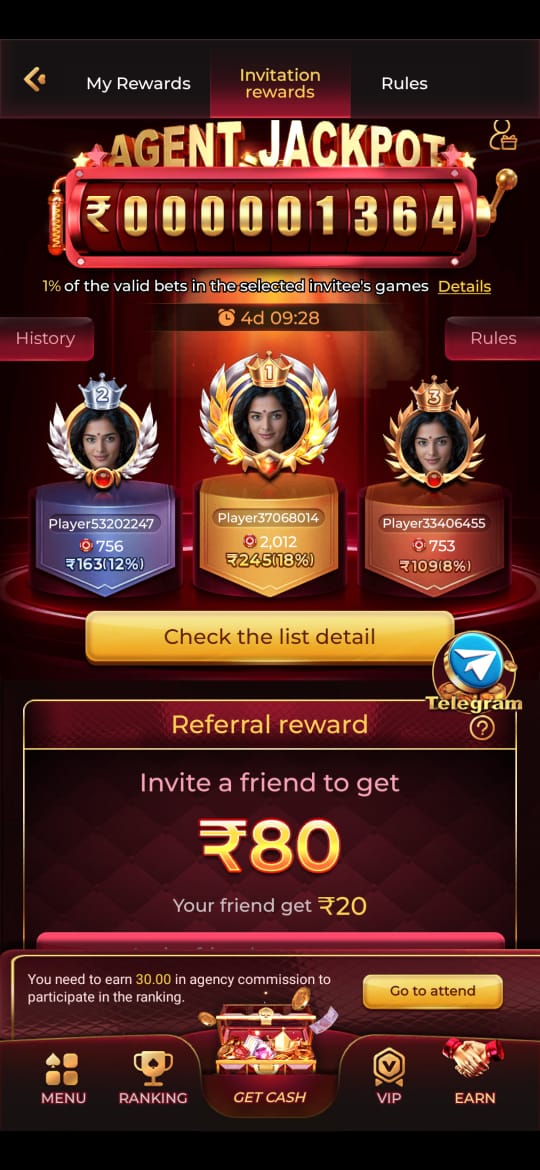
These screenshots are included for orientation only. Always follow the current app prompts and account instructions shown on your device.
Where to go next
Use the Android file and permission guide for APK questions, the account access page for OTP or password issues, the new account setup guide for registration, and the games hub when your question is about rules, categories, or mobile play.