APK Guides
Reviewed 2026-05-27: This article is written around one mobile task. It avoids account shortcuts, private-data requests, and exaggerated reward language.
Latest does not always mean safest
A newer APK can include fixes, but the word “latest” is also used by low-quality pages to attract clicks. Check the source and version notes before replacing a working app.
If your current app works, update only when there is a clear reason: compatibility, security, required access, or a visible update prompt.
Version notes worth reading
Useful update notes mention bug fixes, compatibility, login stability, game loading, or security behavior. Vague claims such as “new earning version” or “special unlocked APK” should make you cautious.
Avoid APKs that claim to bypass rules or unlock private features. Those are higher-risk files and can put account security at risk.
- Check the file source.
- Compare the version note with your issue.
- Back out if permissions changed unexpectedly.
- Open the app once after updating and review account access.
Update failure examples
A failed update can happen because the old app signature does not match, storage is low, or the file is corrupt. Do not keep stacking attempts. Clear the failed download, restart, and use one trusted source.
If Android reports a signature conflict, uninstalling may remove local app data. Think carefully before deleting anything and make sure account recovery is available.
When updates affect game loading
Sometimes users update because a game is slow, but the cause is network or storage. Test basic performance first: close background apps, use one network, and open one game. Update only if the app version is genuinely the issue.
Visual guide
IE777 APK Latest Version Checks Before Updating visual reference
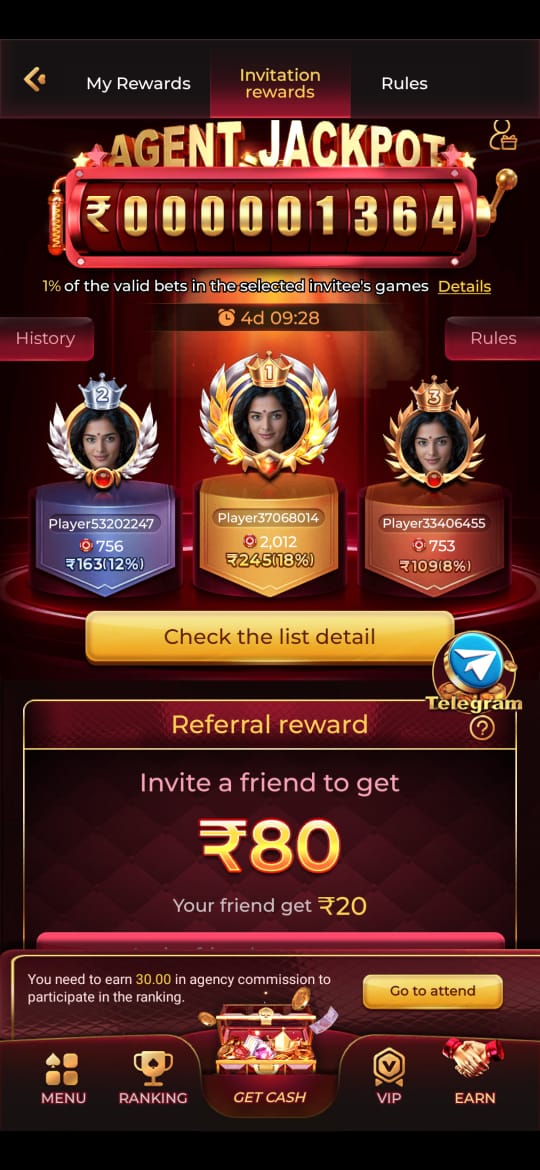
These screenshots are included for orientation only. Always follow the current app prompts and account instructions shown on your device.
Where to go next
Use the Android file and permission guide for APK questions, the account access page for OTP or password issues, the new account setup guide for registration, and the games hub when your question is about rules, categories, or mobile play.