App
Reviewed 2026-05-27: This article is written around one mobile task. It avoids account shortcuts, private-data requests, and exaggerated reward language.
Think in tasks, not features
A feature list is only useful when it helps you complete a task. In the IE777 app, the practical tasks are account access, game discovery, dashboard review, support lookup, and reward reading.
Spend a minute learning where those areas live before playing. That short orientation reduces mistakes later.
Dashboard and wallet labels
If the app shows balances, rewards, deposits, or withdrawals, treat the screen as sensitive. Read labels slowly and do not post screenshots publicly. A tiny number or status label can change the meaning of a screen.
If something financial looks unclear, stop and ask through the proper support path rather than guessing.
- Open account settings.
- Find support before you need it.
- Review dashboard labels.
- Keep screenshots private.
Game navigation
Games should be grouped in a way that lets users compare pace and rules. If a category feels unfamiliar, open the rule screen before starting. A game that looks exciting but remains unclear is not a good first choice.
The app experience improves when users know where to go back, where help lives, and how to exit a game area.
Performance habits
Close background apps, keep storage available, and avoid switching networks during loading. App performance is often a combination of the app, phone memory, and network stability.
Visual guide
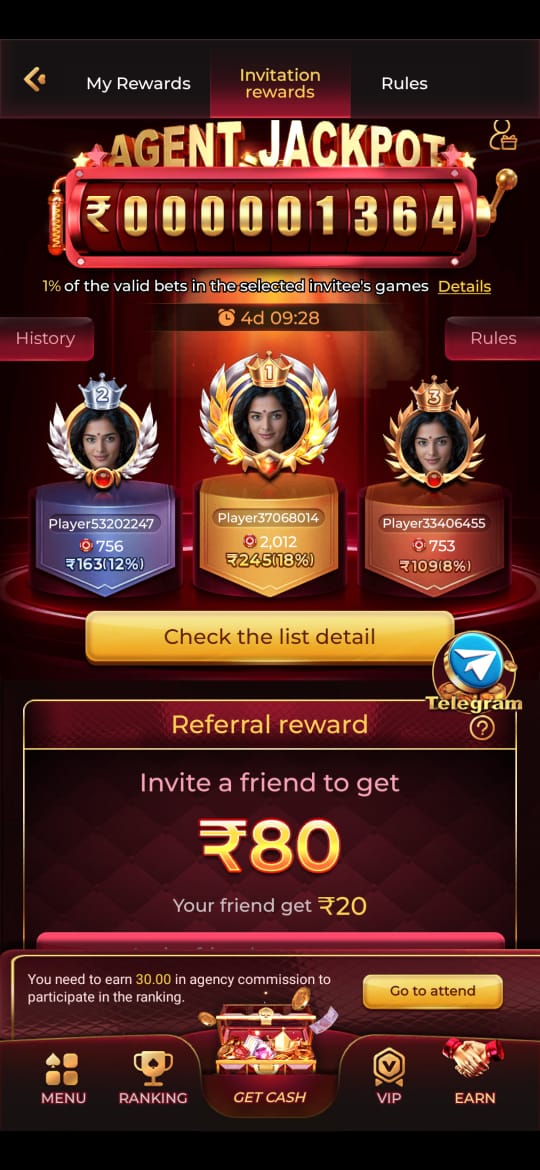
IE777 App Features Explained Through Real Mobile Tasks visual reference
These screenshots are included for orientation only. Always follow the current app prompts and account instructions shown on your device.
Where to go next
Use the Android file and permission guide for APK questions, the account access page for OTP or password issues, the new account setup guide for registration, and the games hub when your question is about rules, categories, or mobile play.