Rewards
Reviewed 2026-05-27: This article is written around one mobile task. It avoids account shortcuts, private-data requests, and exaggerated reward language.
Read the small conditions first
A bonus headline is not the full offer. Look for who qualifies, how long it lasts, what activity is required, and when the reward can be used. If those details are unclear, the safe choice is to wait.
Avoid making decisions from old screenshots. Bonus terms can change faster than blog pages or social posts.
Eligibility and account status
Some rewards depend on new-user status, verification, deposit method, activity, or app version. If your account does not match the condition, the reward may not appear even if the banner is visible elsewhere.
Support questions should include the offer name and date, not private account credentials.
- Read eligibility.
- Check validity dates.
- Look for usage or withdrawal conditions.
- Keep private screenshots private.
Responsible claiming
A reward should not override your own limits. If the bonus makes you feel rushed, step back. Good reward use is planned, understood, and optional.
The safest content around bonuses avoids guaranteed outcomes. It teaches users how to read conditions before making a choice.
When a reward does not appear
Do not create another account to force a reward. Check whether the account is eligible, whether verification is complete, and whether the offer has expired. If asking for help, describe the visible status without sharing OTPs or passwords.
Visual guide
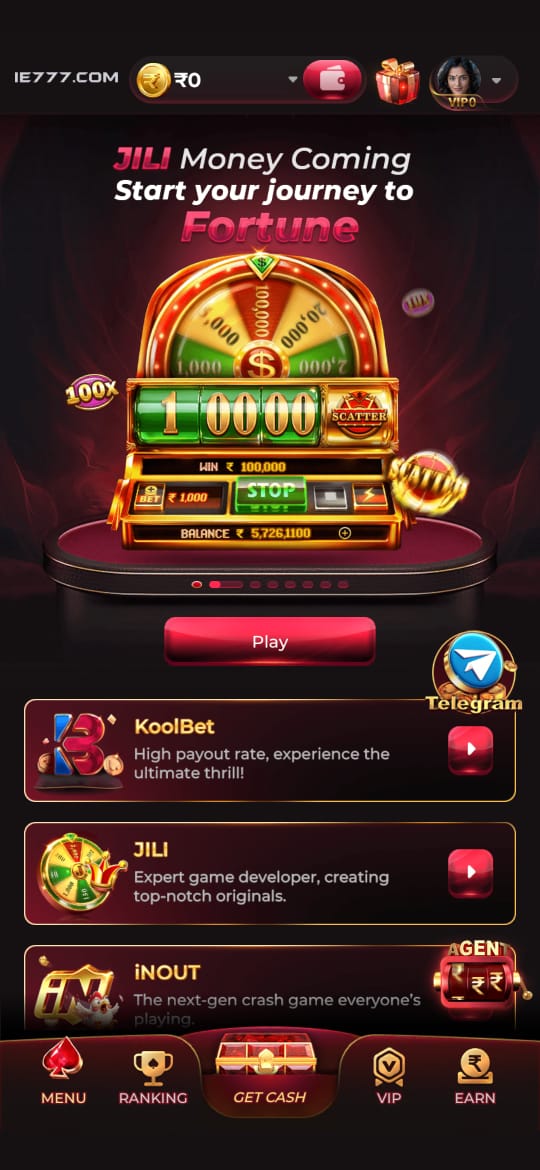
IE777 Bonus and Rewards Guide Without the Hype visual reference
These screenshots are included for orientation only. Always follow the current app prompts and account instructions shown on your device.
Where to go next
Use the Android file and permission guide for APK questions, the account access page for OTP or password issues, the new account setup guide for registration, and the games hub when your question is about rules, categories, or mobile play.