Last updated 2026-05-27
IE777 Games Hub for Categories, Rules and Mobile Play
Use this games hub to understand categories, rule reading, mobile controls, and session habits before opening a game.
Category choice
Choose games by rules, not only by graphics
Bright game screens can be distracting. Before choosing a game, read the category, the basic rule, and what each button or label means. A game you understand is easier to leave, pause, or troubleshoot.
Beginners should avoid opening several games at once. Pick one, learn its labels, and then decide whether it fits your preferred pace.
Rules
Read the rule screen like a safety feature
Rules are not decoration. They explain how the game works, what outcomes mean, and which actions matter. If a rule screen is unclear, do not guess based on someone else’s screenshot.
Game tutorials and category pages should support understanding, not push users to play faster. This page keeps the focus on clarity and control.
Mobile play
Make controls easier on smaller screens
Use a stable connection, keep the screen clean, and avoid playing while notifications cover buttons. On smaller phones, accidental taps can happen when game controls are close together.
If a control does not respond, wait before tapping again. Lag can create repeated actions that you did not intend.
Responsible sessions
Decide limits before opening a game
The best time to set a limit is before a game starts. Decide your time, budget, and stopping point in advance. If you feel pressure to continue, close the session and take a break.
Responsible play guidance belongs on game pages because it is part of the user experience, not a footer afterthought.
Visual guide
IE777 Games Hub for Categories, Rules and Mobile Play Screenshots
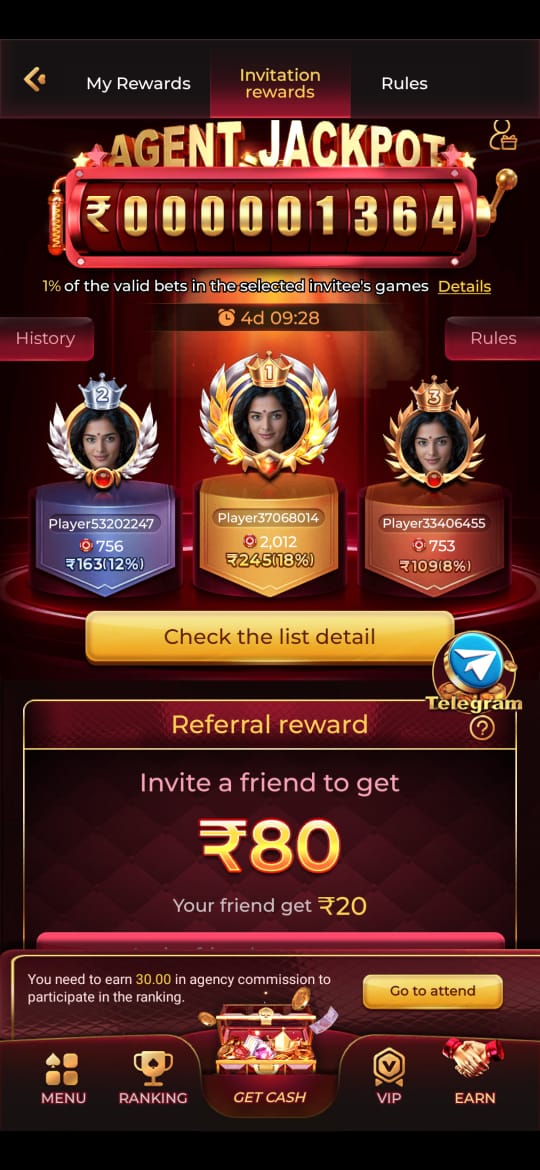
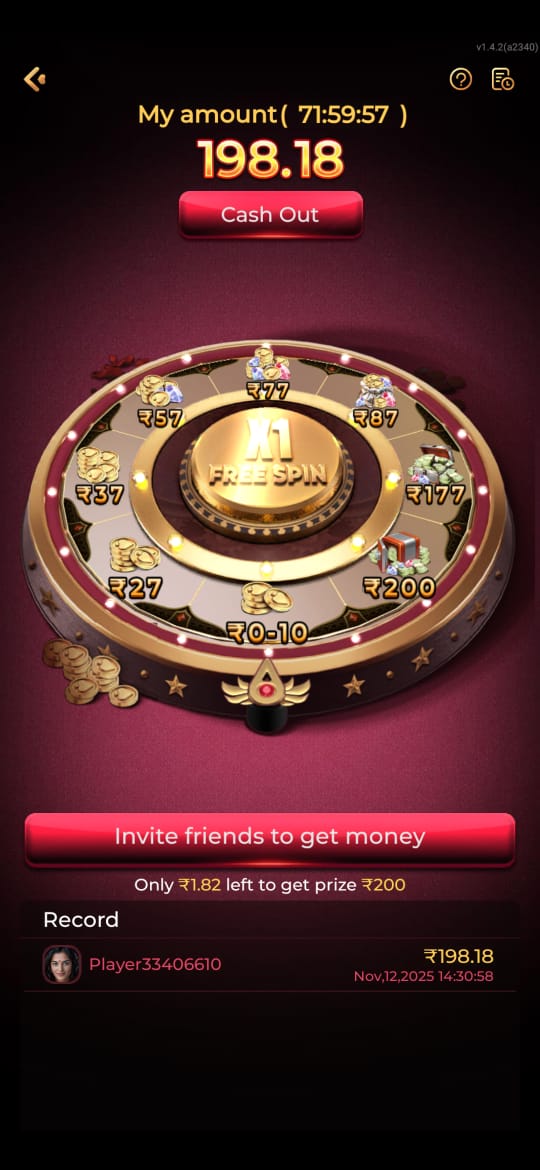
These screenshots are included for orientation only. Always follow the current app prompts and account instructions shown on your device.

Related help
Useful next steps
Focused answers
Questions this page answers
How should beginners choose an IE777 game?
Start with a game whose rules you can explain back in one sentence, then play slowly while learning the screen labels.
Should I read rules before playing?
Yes. Rule screens explain outcomes, controls, limits, and important labels that screenshots cannot fully show.
Why does a game feel slow on mobile?
Low memory, weak network, heavy background apps, or battery saver can affect game loading and controls.
What is a safer play habit?
Set a time and budget limit before opening a game, and stop when the session stops feeling recreational.