IE777 · India gaming guide
Login, Play, and Download — All in One Place
Step-by-step guides for IE777 account setup, Android APK installation, and game discovery. Written for Indian mobile users who want clear answers, not marketing copy.

Start here
What You Can Do on This Platform
Four things most players come here for — pick the one that applies to you.
New player? Start with registration
Creating an account takes under 3 minutes. You'll need a valid Indian mobile number and a password you haven't used elsewhere. Our Register guide walks you through each field and explains what the verification step looks like.
Installing the Android APK
Android blocks apps from outside the Play Store by default. You'll need to allow installs from your browser — once, before installing. Our APK page shows the exact setting path for popular Android versions (10, 11, 12, and 13).
Can't log in? Common fixes
Most login problems are a wrong country code, caps-lock on the password, or an expired session. If none of those apply, use the password reset option on the login screen — it sends an OTP to your registered number within 60 seconds.
Exploring games before you play
The platform has four main categories: live dealer, slots, fishing games, and sports. Our Games guide explains what each category includes, typical session length, and which ones work best on a slower mobile connection.
Game categories
Browse What's Available Before You Download
Understanding the game types helps you decide if the platform suits your style of play.
Live Dealer Games
Real-time games with a human dealer on screen. Requires a stable connection of at least 4G.
02Slots & Fishing
Spin-based and fishing games that work well even on slower 3G connections.
03Sports Games
Fast-paced sports-style play. Sessions are short — most finish in under 5 minutes.
04Bonus & Rewards
Always read the wagering requirement before claiming an offer. Our guide explains the terms in plain language.
App preview
See the App Before You Install
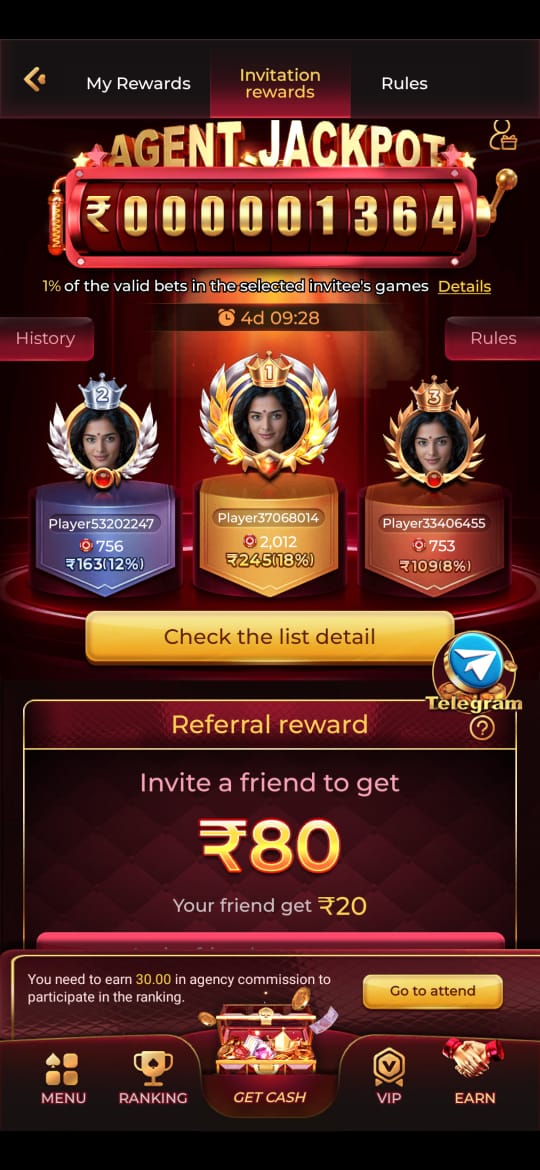
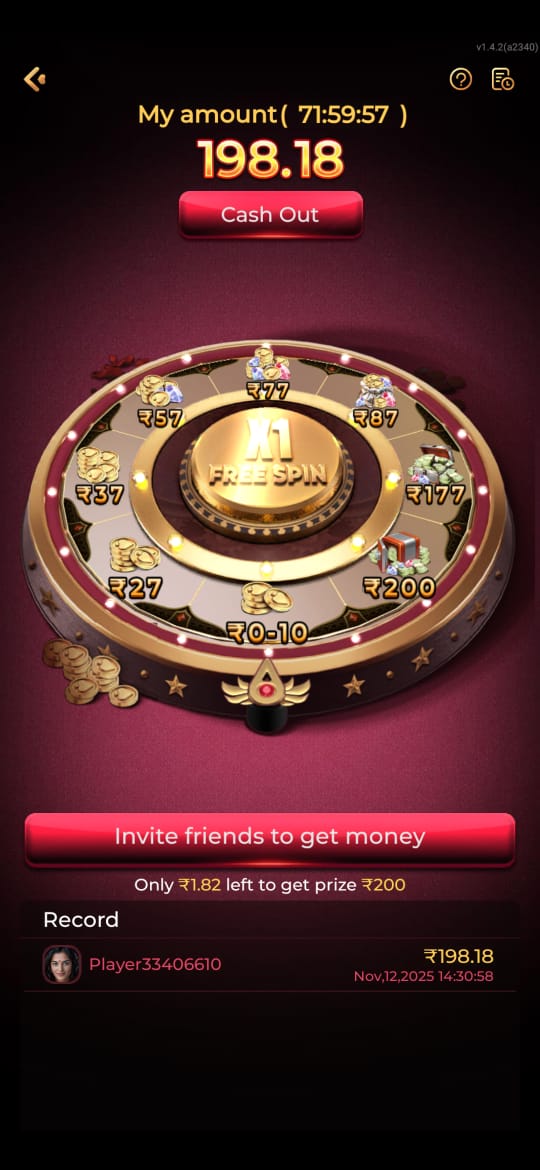
Real screenshots from the mobile interface — so you know what to expect before downloading the APK or opening the browser version.

How to get started
Your First 10 Minutes on the Platform
Most new players go through the same sequence: register an account, verify your mobile number, then either install the Android APK or bookmark the browser link. Each step has its own guide here so you never have to search through a long page to find what you need.
If you're on Android, head to the APK download guide first — it explains the one setting you need to change before installing, and shows you how to reverse it afterward. If you prefer the browser version, the registration guide is your first stop.
Keeping Your Account Safe
A few habits that prevent most account problems: use a password you haven't used on other sites, don't log in on shared devices, and never give your OTP to anyone. The platform's support team will never ask for your password or OTP in a message or call — if someone does, that's a scam attempt.
Two-factor authentication is available and worth enabling. When it's active, someone with your password still can't access your account without your phone. The login guide shows where to find this setting after you've registered.
Understanding Bonuses Before You Claim
Every bonus comes with a wagering requirement — the amount you need to play through before the bonus converts to withdrawable funds. Reading this number before you claim tells you whether the offer suits your playing style. Our bonus guide explains what typical wagering terms look like and what questions to ask before accepting any offer.
Gaming is entertainment. Set a budget before you play, not after. If you find yourself chasing losses or playing longer than planned, that's a signal to take a break — not a strategy.
Android users
APK Installation: Step-by-Step
Before installing, you'll enable one Android setting, download the APK (~12 MB), install it, then disable that setting again. The whole process takes under 5 minutes. Our guide covers Android 10 through 13 with screenshots for each version.
All guides
Everything on This Site
Login Guide
Step-by-step login walkthrough including common error messages and what each one means.
Registration Guide
Create your account in 3 steps. Includes what the mobile verification screen looks like.
APK Download
Android installation guide with screenshots for versions 10–13. File size: ~12 MB.
Game Download
How to access individual games after installation, including offline-capable options.
App Features
A walkthrough of the app interface: where to find games, deposits, and account settings.
Bonus Guide
How to read wagering requirements and decide whether an offer is right for you.
Game Categories
What each of the four game types includes and which works best on slow connections.
From the blog
Guides Worth Reading
How to Download the APK on Android
Covers the exact setting path for Android 10, 11, 12, and 13 — with what to do after installing.
LoginLogin Guide for New Players
What to do if the login page doesn't load, if your OTP is late, or if you've forgotten your password.
AccountRegistration: Step-by-Step
Every field on the registration form explained, including which ones are required and which are optional.
APKChecking Your APK Version
How to tell if your installed version is current and what changes in each update.
GamesWhich Games Work Best on Mobile Data?
Live dealer games need 4G. Slots and fishing work on 3G. Here's how to check before a session.
RewardsReading Bonus Terms: Plain-Language Guide
What "50x wagering" actually means in practice, and how to calculate whether an offer is worthwhile.
Quick answers
Common Questions
What is IE777 and how do I access it?
IE777 is a mobile gaming platform available in India with live dealer, slots, fishing, and sports-style games. You can access it by installing the Android APK (~12 MB) or using the browser version at ie777ind.com. Account registration takes under 3 minutes and requires an Indian mobile number for verification.
How do I install the Android APK?
Go to the APK page and download the file (~12 MB). Before installing, open Android Settings → Security (or Privacy on some phones) → enable "Install from unknown sources" for your browser. Tap the downloaded file to install. Once done, go back and disable that setting. The full process takes about 5 minutes and our guide covers Android 10 through 13.
What should I do if I can't log in?
Check three things first: (1) your country code is set to +91, (2) caps lock isn't on for your password, (3) your session hasn't timed out. If those are fine, use "Forgot Password" on the login screen — it sends an OTP to your registered number within 60 seconds. If you no longer have access to that number, use the Contact page to reach support.
Is the platform available on iPhone?
There is no iOS app currently. iPhone users can access the full platform through Safari or Chrome at ie777ind.com — bookmark it to your home screen for an app-like experience. The browser version supports all four game categories and account features including deposits and withdrawals.